Cases were boring for a while. Not anymore. 2025-2026 gave us mesh monsters, clever cable-hide designs, and true airflow innovations. If you’re building a PC and stuck on case choice, this shortlist eliminates the guesswork.
Selection is based on multi-source testing + labs that actually measure CPU/GPU thermals and noise under controlled configs. Not just marketing claims. Real data.
1) Fractal design meshify 3 – The safe bet for almost everyone
Why it slaps: Elite airflow, low noise after fan curve tuning, and a builder-friendly interior that makes tidy cables easy. It topped multiple “best of” lists thanks to thermals + usability, not just looks.
- Excellent GPU thermals (consistently cool)
- Low noise potential with proper tuning
- Cable management is intuitive and clean
- Great build quality and materials
- Supports large coolers and dual radiators
- Not flashy, just functional and reliable
Price range: $100-130 | Best for: Anyone who wants reliability and thermals
2) Corsair frame 4000d rs (airflow/argb) – Modular mainstream champ
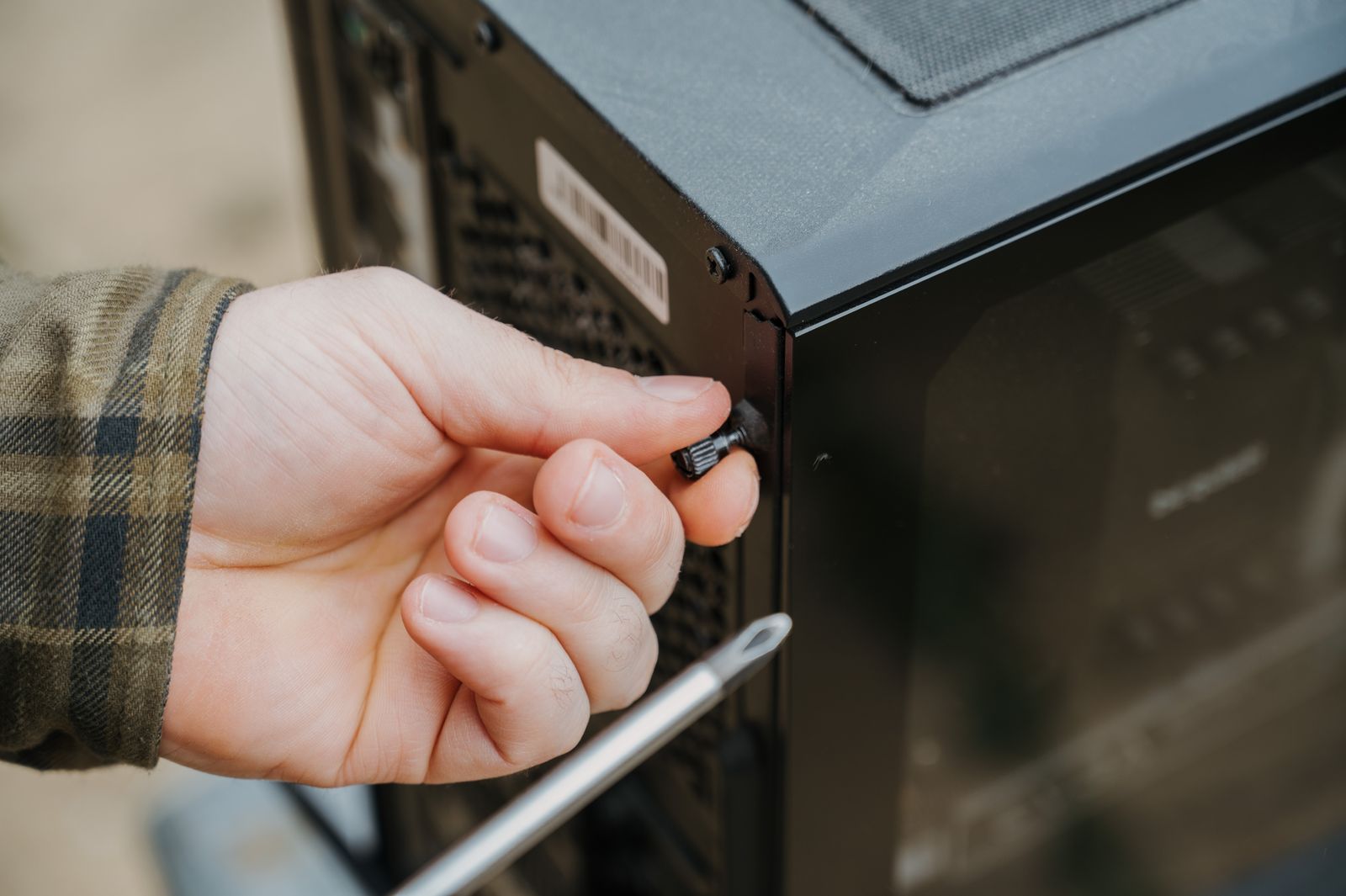
Why it wins: Corsair revisited its classic 4000D with smarter rails and better stock fans. It consistently shows excellent GPU temps for the price and is a pleasure to assemble.
- Great stock fans included (saves money)
- Smart cable management routing
- Easy modular design for upgrades
- Excellent price-to-performance ratio
- Good GPU thermal performance
- Perfect for first-time builders
Price range: $90-110 | Best for: Budget builds and first-time builders
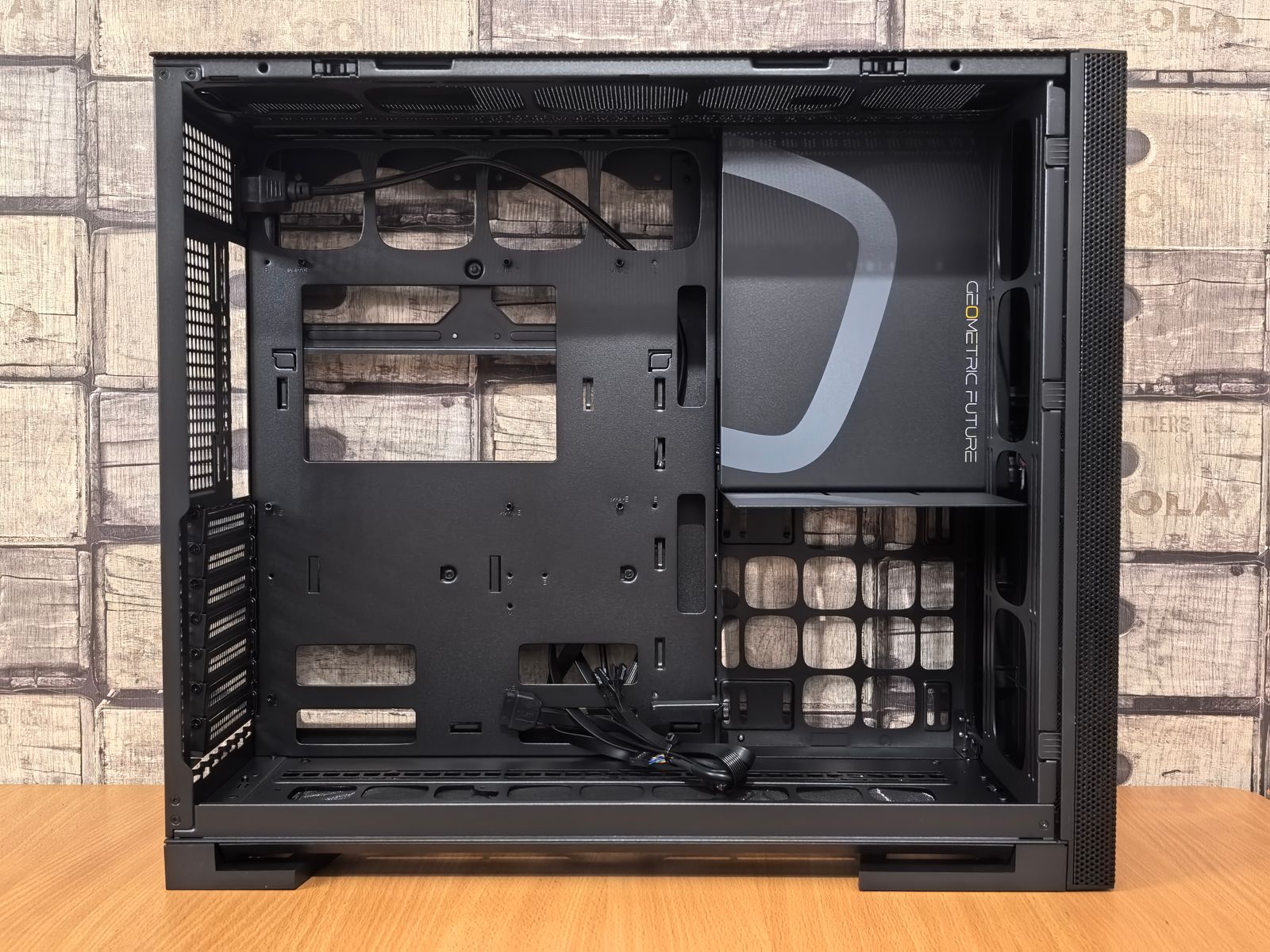
3) Lian li lancool 207 – Budget airflow beast
Why it’s special: If you want strong GPU cooling under $100 (when sales align), this is the one. Odd PSU placement but thermals per dollar are hard to beat.
- Exceptional cooling for the price
- Mesh front design maximizes airflow
- Compact but capable design
- Great value when on sale
- Solid build quality at budget price
- Good for esports/competitive gaming focus
Price range: $70-90 | Best for: Budget gamers who prioritize thermals
4) Hyte x50 – Innovative airflow with style
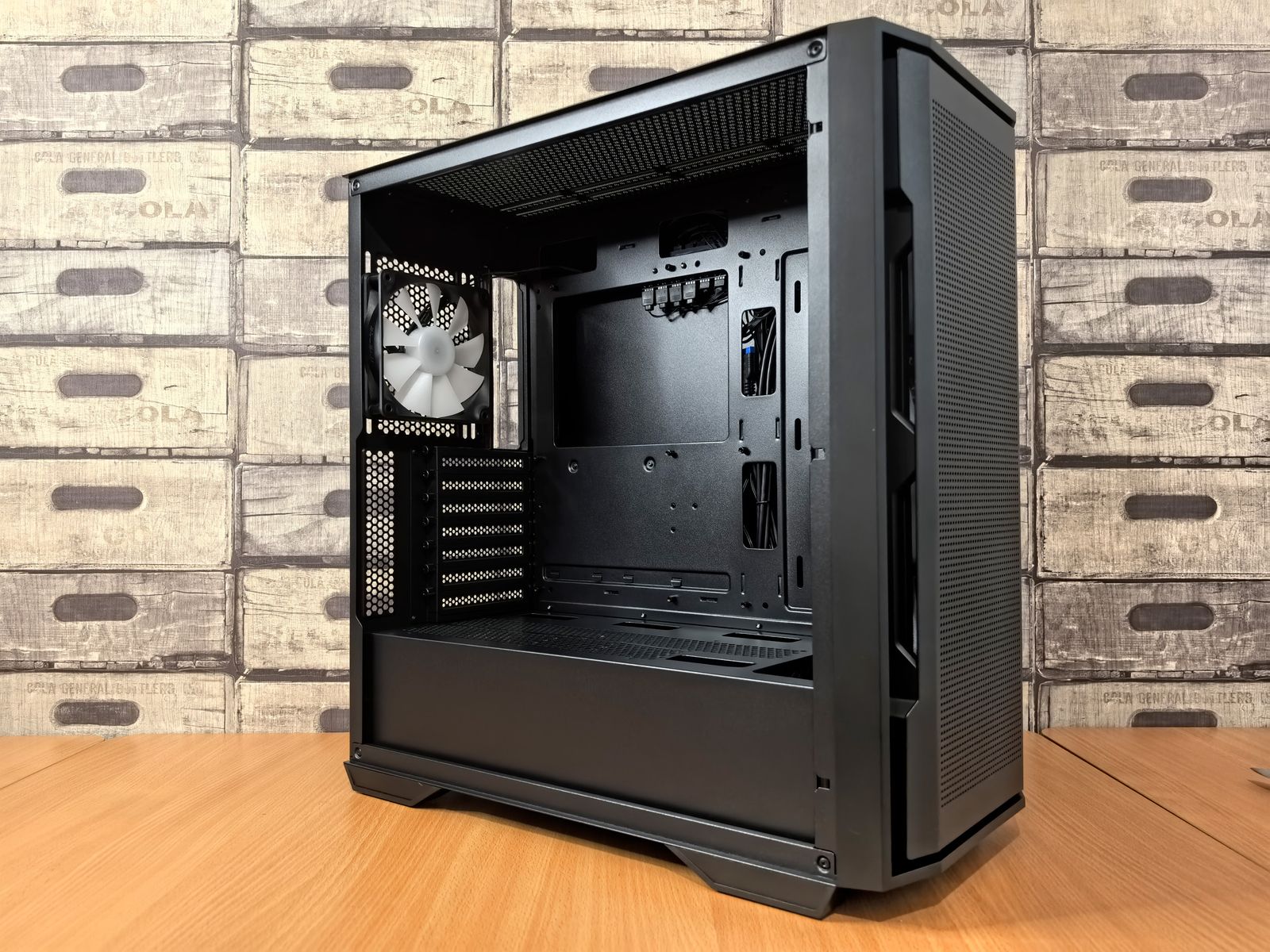
Why it stands out: HYTE’s funky “bubbly” design isn’t just a vibe – it’s built around high input volume and smart flow paths. Great if you want personality without giving up thermals.
- Unique and attractive design
- Genuinely good airflow engineering
- Shows off components with style
- RGB support and lighting-friendly
- Solid thermal performance
- Feels premium and looks premium
Price range: $130-160 | Best for: Gamers who want beauty and performance

5) Havn bf 360 – For performance tweakers
Why enthusiasts love it: A niche pick that won “mechanical design” praise: clever ducts, big intake capacity, and strong noise-normalized numbers when tuned. It’s an enthusiast’s toy – in a good way.
- Clever duct design for optimized airflow
- High intake capacity for big setups
- Excellent when properly tuned
- Great for custom loop builders
- Mechanical design is actually innovative
- Rewards proper setup and attention
Price range: $150-180 | Best for: Enthusiasts and custom loop builders
How to choose between them
Quick decision flow:
Budget under $100? Lancool 207 if you want thermals, 4000D RS if you want ease.
$100-130? Meshify 3 is the safe, proven choice. Reliable and tested.
$130-160? HYTE X50 if you want personality, Meshify 3 if you want max thermals.
$150+? HAVN BF 360 if you’re tweaking and overclocking, X50 for looks + performance.
Final thoughts
Go mesh front. Check fan/rad support. Make sure you’ve got GPU length and top-rad clearance for your cooler of choice. These five cover nearly every use-case from budget to showpiece.
If you pick any of these five cases, you’re getting good thermals, good build quality, and good cable management. You literally can’t go wrong. The choice comes down to budget and aesthetic preference.
Building from scratch? Start with our complete gaming PC build guide for the full part-by-part breakdown.
Frequently Asked Questions
What matters most when choosing a PC case?
Airflow first, then noise and build quality. A mesh front panel with a sane fan layout beats a solid-panel case for thermals every time.
Do more fans always mean better cooling?
No — fan placement and case airflow design matter more than raw fan count. A well-designed 3-fan case can outperform a poorly designed 5-fan one.
Is a more expensive case always better?
Not necessarily. Several budget-tier cases in this list match pricier options on thermals thanks to smart mesh and vent design.