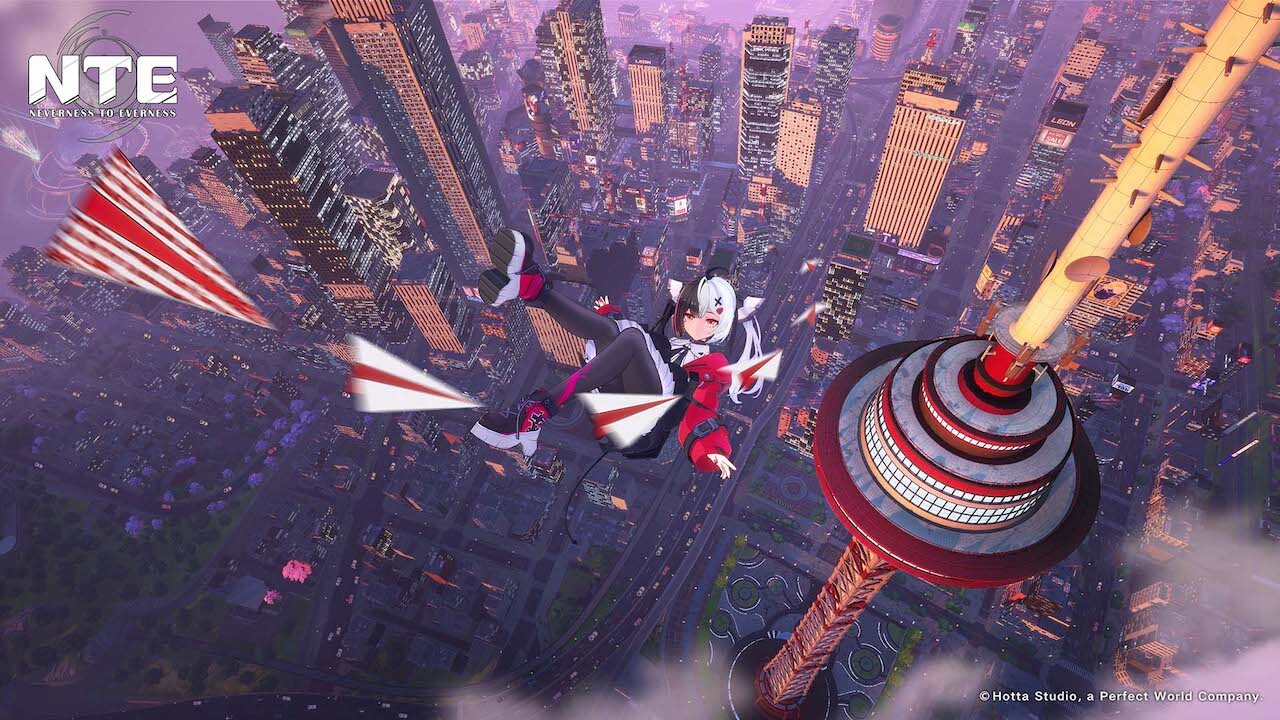
NTE Neverness to Everness is a visually ambitious open world. Its dense city, particle effects during combat, and real-time zone streaming make it a game that genuinely taxes your hardware — far more than a turn-based RPG or an indie title. Before downloading the Perfect World client, it’s worth knowing if your PC is up to the task.
This satellite article from our complete NTE guide on Gamtix covers everything on the hardware side: minimum and recommended specs, optimal graphics settings, and the components to prioritize if you’re considering an upgrade.
Why NTE demands a solid configuration
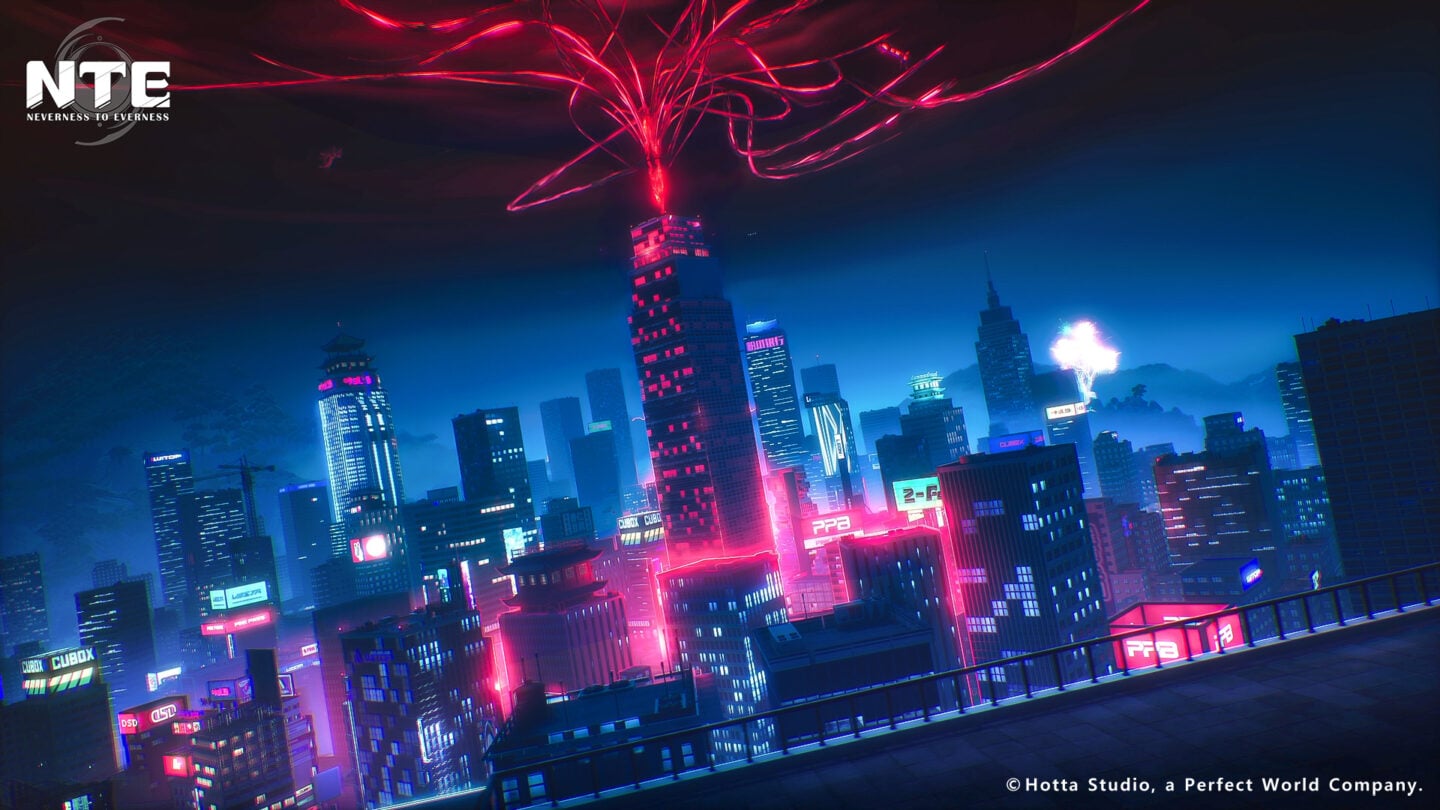
- City density: streets are populated with NPCs, vehicles, animated storefronts and weather effects. The engine constantly streams and deallocates map chunks.
- Combat particle effects: hunter skills — especially in multi-character play — generate a large number of simultaneous visual effects.
- High CPU load: the city simulation (NPC AI, physics, animations) relies heavily on the CPU, not just the GPU.
- Texture streaming: transitions between indoor and outdoor zones require fast storage to avoid pop-ins and stutters.
Recommended configurations by tier
Minimum — 1080p low quality, 30–45 FPS
| Component | Minimum spec |
|---|---|
| CPU | Intel Core i5-8400 / AMD Ryzen 5 2600 |
| GPU | NVIDIA GTX 1060 6 GB / AMD RX 580 8 GB |
| RAM | 8 GB DDR4 (dual channel recommended) |
| Storage | SATA SSD (HDD possible but causes micro-stutters) |
| OS | Windows 10 64-bit |
Playable at low-medium quality. Expect FPS drops in dense areas and during multi-character combat with heavy effects.
Recommended — 1080p ultra / 1440p high, 60 FPS stable
| Component | Recommended spec |
|---|---|
| CPU | Intel Core i7-10700K / AMD Ryzen 5 5600X |
| GPU | NVIDIA RTX 3060 12 GB / AMD RX 6700 XT |
| RAM | 16 GB DDR4 3200 MHz (dual channel) |
| Storage | Gen3 NVMe SSD (500 MB/s min.) |
| OS | Windows 10 / 11 64-bit |
The sweet spot for most players. Ultra quality at 1080p with consistent 60+ FPS, and playable 1440p at medium-high settings.
Ultra — 1440p max / 4K, 60–120 FPS
| Component | Ultra spec |
|---|---|
| CPU | Intel Core i9-13900K / AMD Ryzen 7 7800X3D |
| GPU | NVIDIA RTX 4070 Ti / AMD RX 7800 XT or better |
| RAM | 32 GB DDR5 6000 MHz (dual channel) |
| Storage | Gen4 NVMe SSD (3,500 MB/s min.) |
| OS | Windows 11 64-bit |
Component-by-component analysis
GPU: the priority component
| GPU | 1080p | 1440p | 4K | Verdict |
|---|---|---|---|---|
| GTX 1060 6 GB | Low ~40 FPS | Not recommended | — | Absolute minimum |
| RTX 2060 | High ~55 FPS | Medium ~35 FPS | — | Acceptable entry-level |
| RTX 3060 12 GB | Ultra ~65 FPS | High ~55 FPS | Low ~30 FPS | Recommended — best value |
| RX 6700 XT | Ultra ~70 FPS | High ~58 FPS | Medium ~35 FPS | Excellent for 1440p |
| RTX 4070 | Ultra ~100+ FPS | Ultra ~80 FPS | High ~55 FPS | High-end, fluid |
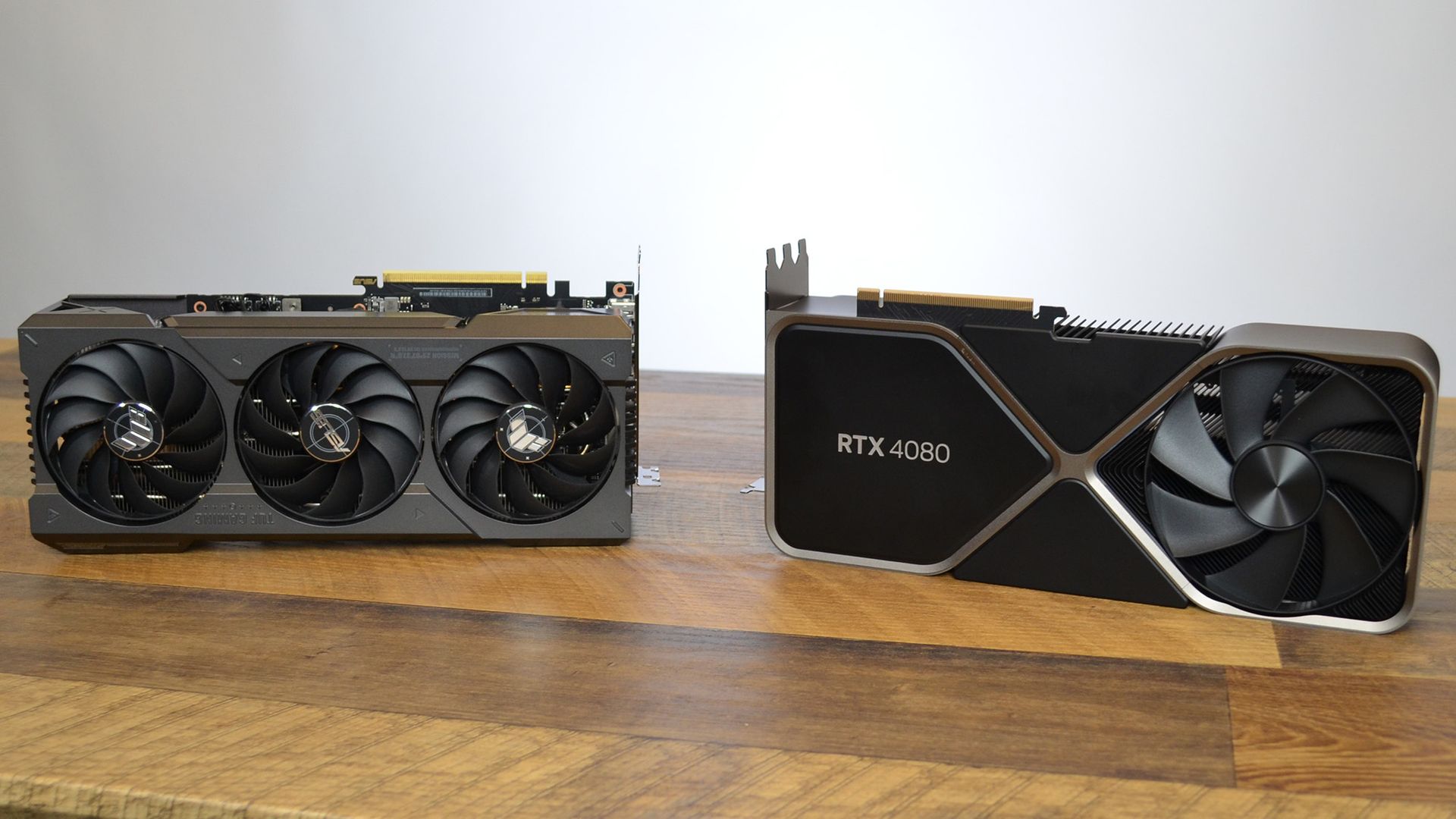
| RTX 4080 | Ultra ~120+ FPS | Ultra ~110 FPS | High ~75 FPS | Current maximum |
If you’re looking to upgrade your GPU, our complete GPU buying guide helps you choose based on your budget and target resolution.
CPU: open world demands more from your processor
- 6 physical cores minimum: below this, FPS drops are expected in dense zones.
- Single-core frequency matters: a CPU with strong boost clocks (4.5 GHz+) makes a tangible difference during combat.
- Ryzen 5 5600X: best performance-per-dollar for NTE in 2025. Excellent single-core performance, 6 cores / 12 threads.
- Ryzen 7 7800X3D: the king for CPU-intensive games thanks to 3D V-Cache. Slight overkill for NTE alone, but very future-proof.
RAM: 16 GB is the comfortable minimum
NTE consumes between 6 and 9 GB of RAM depending on graphics settings and visited zones. With Windows and Discord running in the background, 8 GB becomes tight. 16 GB in dual channel is the recommended standard. Our article on DDR5 vs DDR4 in gaming details the real FPS difference between both.
Storage: NVMe SSD is a must
- Estimated disk space for NTE: 50–70 GB
- Minimum recommended: Gen3 NVMe SSD, 500 MB/s sequential read
- Ideal choice: Gen4 NVMe (Samsung 980 Pro, WD Black SN850X)
Optimal graphics settings in NTE

| Setting | FPS impact | Visual impact | Recommendation |
|---|---|---|---|
| Render resolution | Very high | Very high | 100% (native) |
| Shadow quality | High | Medium | High (not ultra) |
| Crowd / foliage density | High | Low | Medium if FPS-limited |
| Post-processing effects | Medium | High | High — strong visual impact |
| Texture quality | Low (VRAM) | High | Ultra if VRAM ≥ 8 GB |
| Anti-aliasing | Medium | Medium | TAA or DLSS if available |
| Ambient occlusion | Medium | Low | Disable for +5–8 FPS |
| VSync | Variable | None | Disable — use G-Sync/FreeSync instead |
Estimated benchmarks by configuration
1080p — high quality
| GPU | Average FPS | 1% low FPS |
|---|---|---|
| GTX 1060 6 GB | ~32 FPS | ~22 FPS |
| RTX 2060 | ~54 FPS | ~40 FPS |
| RTX 3060 12 GB | ~65 FPS | ~50 FPS |
| RX 6700 XT | ~71 FPS | ~55 FPS |
| RTX 4070 | ~100 FPS | ~80 FPS |
1440p — high quality
| GPU | Average FPS | 1% low FPS |
|---|---|---|
| RTX 3060 12 GB | ~50 FPS | ~38 FPS |
| RX 6700 XT | ~58 FPS | ~44 FPS |
| RTX 4070 | ~80 FPS | ~65 FPS |
| RTX 4080 | ~108 FPS | ~88 FPS |
Want to measure your PC’s actual performance? Our guide Benchmark like a pro shows you how to get reliable, repeatable results with free tools.
What to upgrade first if you’re below spec
- GPU (top priority): the most direct lever on FPS and visual quality. An RTX 3060 is enough for 1080p ultra at 60 FPS.
- NVMe SSD (if you’re on HDD): eliminates open-world micro-stutters. One of the cheapest and most noticeable upgrades.
- 16 GB RAM in dual channel: a $50–70 upgrade that can unlock 10–15% extra FPS in NTE.
- CPU (if your GPU is already good): only relevant if you have a recent GPU paired with an old 4-core CPU.
For complete gaming PC builds by budget, check our best gaming builds 2025 and our article on when and what to upgrade in your PC.
Frequently asked questions
What is the minimum PC spec to run NTE Neverness to Everness?
The minimum spec for NTE is: Intel Core i5-8400 or AMD Ryzen 5 2600, GTX 1060 6 GB or RX 580, 8 GB DDR4 RAM, and a recommended SSD. This config delivers 1080p at low quality, 30–45 FPS.
Does NTE run well on an RTX 3060?
Yes, an RTX 3060 is an excellent card for NTE. It delivers 1080p at high quality with stable 65+ FPS, and 1440p at medium-high settings around 50–60 FPS. Paired with a Ryzen 5 5600X, it’s the best value-for-money combination for this game.
Do you need an SSD to play NTE?
An SSD is strongly recommended. A traditional hard drive generates micro-stutters every 30–60 seconds in new areas. An NVMe SSD practically eliminates this issue.
Is NTE CPU-intensive?
Yes, more so than most gacha games. A processor with 6 modern physical cores (Ryzen 5 5600X, Core i5-12400) is the comfortable minimum for NTE.
How much RAM do you need for NTE?
16 GB of dual-channel DDR4 is the recommended standard. 8 GB is the functional minimum but may generate stutters in dense zones when other apps are running in the background.
Further Reading
More NTE Neverness to Everness Guides
Sorted your hardware? Pair it with the right build in our NTE combat system & class guide.