
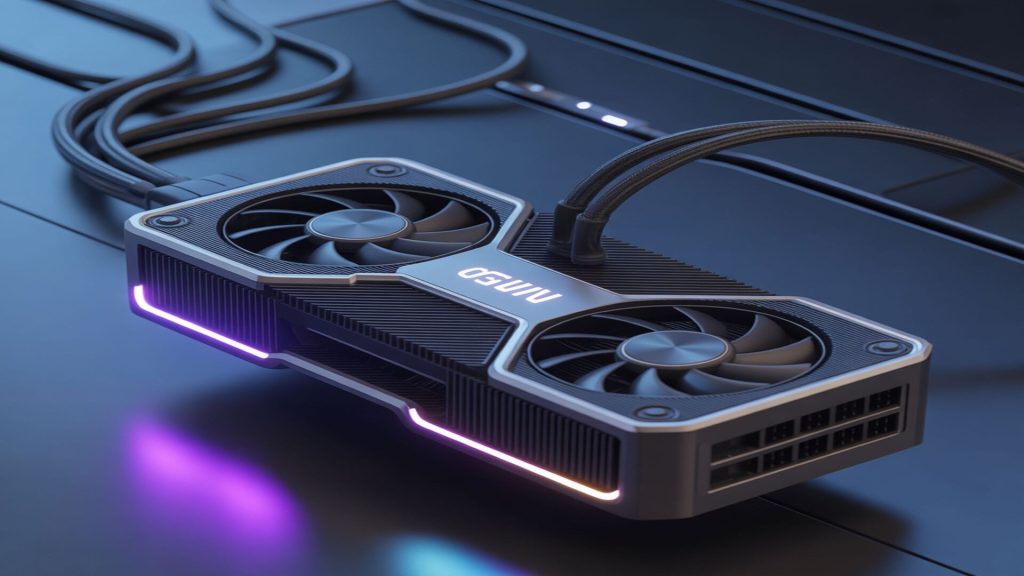
GPU Buying Guide 2024: How to Choose the Right Graphics Card for Your Needs

GPU Buying Guide 2024: How to Choose the Right Graphics Card for Your Needs

So you’re looking to buy a new graphics card? I get it – the GPU market can feel overwhelming with all the different models, specs, and price points out there. Whether you’re building your first gaming PC or upgrading your current setup, picking the right GPU is probably the most important decision you’ll make. Let me walk you through what you actually need to know.

Understanding Your Performance Needs


Before you even look at specs, ask yourself: what am I actually going to do with this card? If you’re gaming at 1080p, you don’t need to drop $1,600 on a flagship GPU. Seriously, you don’t. A mid-range card will handle most games beautifully at that resolution.

For 1080p gaming, cards in the $250-$400 range will get you solid frame rates in nearly every game. We’re talking smooth 60+ fps in demanding titles. If you’re aiming for 1440p, you’ll want to budget $400-$700 for something with more horsepower. And for 4K gaming? Yeah, that’s where things get expensive – expect to spend $700 and up.

VRAM: How Much Do You Really Need?


Here’s something a lot of people get wrong: VRAM matters more than you think. Games are getting hungrier for video memory, especially newer titles with high-resolution textures. For 1080p gaming, 8GB is the bare minimum these days, though 12GB gives you more breathing room. At 1440p, I’d strongly recommend 12GB or more. For 4K, don’t even consider anything less than 16GB.

If you’re into content creation – video editing, 3D rendering, that sort of thing – VRAM becomes even more critical. Adobe Premiere and DaVinci Resolve will absolutely eat up whatever VRAM you throw at them.

AMD vs NVIDIA: The Eternal Debate


Look, both companies make great cards. NVIDIA generally has the edge in ray tracing performance and their DLSS technology is genuinely impressive. AMD often gives you more VRAM for your money and their latest cards have closed the gap significantly in raw performance.

My advice? Don’t be a fanboy. Check reviews for the specific models you’re considering at your budget point. Sometimes AMD wins on value, sometimes NVIDIA does. It changes with every generation.

Power Consumption and Your PSU


Don’t forget about power! Modern high-end GPUs can pull 300-450 watts under load. Check the recommended PSU wattage for your card and make sure you’ve got the proper power connectors. Nothing worse than buying a new GPU and realizing your power supply can’t handle it.

Also, consider your case airflow. These things run hot, and you’ll need decent cooling to keep temperatures manageable.

RAM in 2024: Cutting Through the Marketing Hype


Memory shopping shouldn’t be complicated, but manufacturers love throwing around terms like “extreme performance” and flashy RGB lighting to justify premium prices. Let’s talk about what actually matters when you’re buying RAM.

Capacity: How Much Is Enough?


For most people, 16GB is the sweet spot right now. It’ll handle gaming, web browsing, light content creation, and multitasking without breaking a sweat. If you’re just gaming and doing basic tasks, you honestly don’t need more.

But if you’re running virtual machines, doing serious video editing, or working with large datasets, 32GB makes sense. I’ve got 32GB in my workstation and it’s genuinely useful when I’m running multiple Docker containers while editing video. For extreme workloads – think 3D animation or massive scientific computing – 64GB or more might be justified.

Here’s a tip: buy 16GB now and upgrade later if needed. RAM prices fluctuate, and you might catch a good deal down the road.

Speed and Timings: Does It Matter?


This is where things get interesting. RAM speed is measured in MHz, and yes, faster RAM can improve performance – but the real-world difference is often smaller than you’d think. For most gaming scenarios, going from 3200MHz to 3600MHz DDR4 might net you a few extra frames per second. Is that worth paying 30% more? Probably not.

That said, AMD’s Ryzen processors do benefit more from faster RAM than Intel chips, thanks to how their Infinity Fabric works. If you’re running Ryzen, 3600MHz DDR4 with tight timings is the sweet spot for price-to-performance.

DDR4 vs DDR5: Should You Upgrade?


DDR5 is the new standard, but here’s the thing – it’s still expensive and the performance gains for gaming aren’t dramatic yet. If you’re building with Intel’s 12th gen or newer, or AMD’s Ryzen 7000 series, you’ll need DDR5 since that’s what the platform supports.

For DDR5, 5600MHz is a good baseline speed. Don’t worry too much about going for the absolute fastest kits unless you’ve got money to burn.

RGB and Heat Spreaders: Form vs Function


Let’s be honest – RGB RAM looks cool. If aesthetics matter to you and you’re building a showcase PC with a glass side panel, go for it. But that fancy heat spreader and RGB lighting? They’re not doing much for performance. RAM doesn’t really need aggressive cooling in normal use cases.

Basic RAM without the fancy stuff often performs identically to the “gaming” branded kits at a fraction of the price. Choose based on what matters to you.

Motherboard Selection: The Foundation of Your Build


Picking a motherboard is like choosing the foundation for a house – it determines what you can build on top of it. But unlike GPUs or CPUs where performance is straightforward, motherboards are all about features, compatibility, and future-proofing. Let me help you figure out what you actually need.

Chipset and CPU Compatibility


First things first: your motherboard needs to match your CPU. Intel and AMD use completely different sockets, so make sure you’re looking at boards that support your processor. For Intel, you’re looking at LGA 1700 for current-gen chips. AMD uses AM5 for their latest Ryzen 7000 series.

The chipset determines what features you get. Higher-end chipsets (like Intel’s Z790 or AMD’s X670) offer more PCIe lanes, better overclocking support, and more connectivity options. But if you’re not overclocking and don’t need tons of expansion slots, a mid-range chipset will serve you just fine.

Form Factor: ATX, Micro-ATX, or Mini-ITX?


This comes down to your case and expansion needs. ATX is the full-size standard with plenty of room for multiple GPUs, extra storage, and expansion cards. Micro-ATX is smaller but still supports most of what you’d need for a typical gaming build. Mini-ITX is tiny and perfect for compact builds, but you sacrifice expansion options.

I always recommend ATX for first-time builders. The extra space makes cable management easier and gives you room to grow.

VRM Quality and Power Delivery


Here’s something people overlook: the VRM (voltage regulator module) is crucial if you’re running high-end CPUs or overclocking. A quality VRM with good heat sinks ensures stable power delivery and cooler operation. Check reviews for thermal testing – some budget boards cut corners here and run hot under load.

Connectivity and Features


Think about what you’ll actually plug into this thing. How many SATA ports do you need for storage drives? How many M.2 slots for NVMe SSDs? Do you need built-in WiFi, or will you use ethernet?

USB ports matter too. Make sure you’ve got enough USB 3.2 ports on the rear I/O, and check if you need USB-C. Some boards also include front-panel USB-C headers if your case supports it.

Future-Proofing: Worth It or Waste of Money?


People always ask about future-proofing. Here’s my take: buy for your needs now, with a little headroom. That $400 flagship motherboard with features you’ll never use? Probably not worth it. But spending an extra $30-50 for better VRMs, an extra M.2 slot, or WiFi 6E? That can be a smart investment.

Remember, you’ll probably upgrade your CPU and GPU once or twice before you replace the motherboard, so getting something solid makes sense.

Leave a Comment

Your email address will not be published. Required fields are marked *