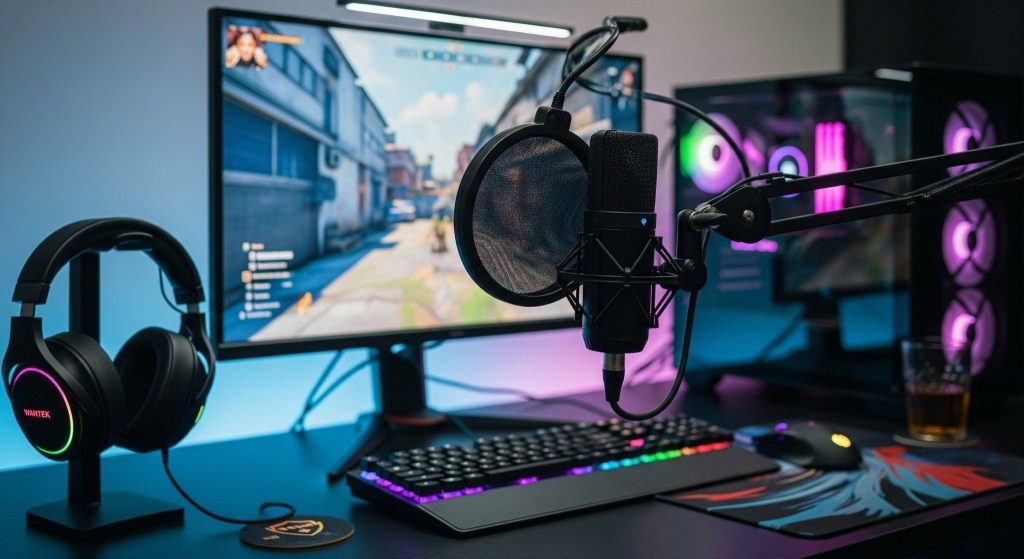
Gamers have argued about this for years: Should you buy a gaming headset, or go headphones + standalone mic? The truth is, both setups have strengths. It depends on your priorities: cost, simplicity, audio quality, and microphone clarity.
Here’s the 2026 breakdown.
Gaming headsets: Convenience first
Gaming headsets combine drivers + mic in one device. If you value simplicity, this route is hard to beat. Everything integrates, one software, one device to manage.
Why choose a gaming headset?
- Plug-and-play convenience (works immediately)
- Single device to manage (no separate cables)
- Built-in mic perfectly positioned
- Often includes features like virtual surround, ANC, or RGB
- Single software to control everything
- Usually has good warranty coverage
Popular mainstream picks like the SteelSeries Arctis Nova 7 and Razer BlackShark V3 Pro provide great ease-of-use and solid mics for team chat. They’re designed specifically for gaming environments.
Headset downsides (the real talk)
- Sound quality often lags behind similarly priced headphones
- Mics are decent, not professional-grade
- Paying extra for branding and software (“gaming tax”)
- Harder to upgrade individual components later
- Limited to gaming-specific tuning (not always better)
The core issue: Gaming headsets split budget between audio engineering and microphone quality. The mic is almost never the priority, so it’s usually the weak point.
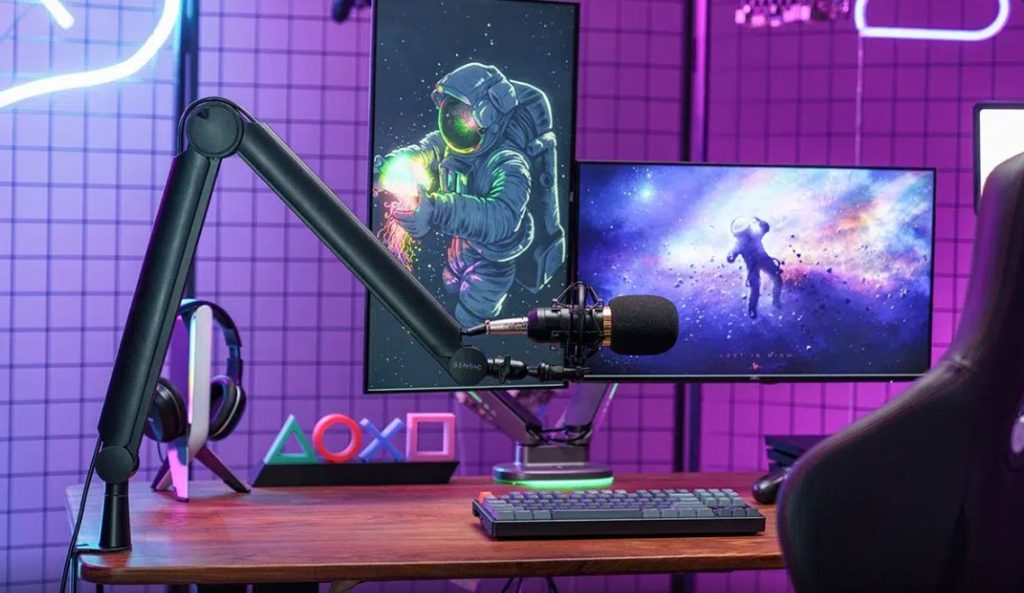
Headphones + microphone: Best for quality
If you’re picky about sound—or you stream/content-create—this combo wins almost every category. You’re buying audio quality and microphone quality separately, so both benefit.
Why choose headphones + mic?
- Better drivers and tuning for the same price
- Wider soundstage (crucial for competitive shooters)
- Upgrade each part independently later
- Huge choice across audiophile brands
- Microphone quality is professional, not afterthought
- Better for streaming and content creation
- More flexibility in audio signature (open-back vs closed)
A $150 headphone setup can outperform many $300 gaming headsets in clarity and positional audio, particularly with open-back headphones. The difference is audible and noticeable.
Microphone options for the separate setup
Clip-on mics (ModMic, Antlion Audio):
Attach to any headphone. Cost: $30-60. Great mid-tier choice. No separate stand needed.
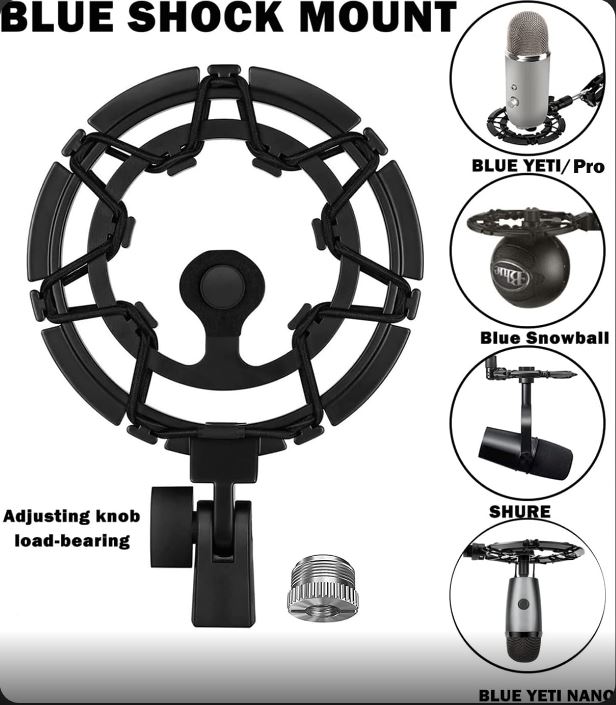
USB mics (Fifine, HyperX SoloCast, Blue Yeti Nano):
Plug into USB. Cost: $40-80. Good clarity for streaming. Built-in stand and pop filter.
XLR mics (Shure SM7B, Audio Technica AT2020):
Professional quality. Cost: $100-300. Requires audio interface ($50-150). Overkill for gaming, perfect for streaming and content creators.
Gaming headsets can’t compete with XLR audio quality if voice quality and audience impression matter. For Twitch streamers or YouTube creators, separate setup wins every time.
Real audio quality testing
Testing shows what most people don’t realize: a $150 gaming headset typically matches a $60-80 high-quality headphone in pure sound performance. You’re not getting audio advantages with expensive gaming headsets. You’re paying for brand, software, and convenience.
Example test result:
$150 gaming headset microphone: Standard clarity, narrow frequency response, limited presence
$50 USB mic: Better clarity, wider frequency response, more professional presence
$70 quality headphones: Superior audio quality, better soundstage, cleaner highs
Combo total: $120 | Headset cost: $150 | Quality advantage: Combo wins significantly
Mic quality: The biggest difference
Your teammates hear your microphone, not your headphones. If audio quality matters to your stream or Discord squad, separate microphone wins decisively. A dedicated mic sounds professional. A headset mic sounds… like a headset mic.
Gaming headset mics: Functional for team chat, compressed audio, limited frequency response
Dedicated USB mic: Clear, rich, professional, wider frequency response
The difference is immediately noticeable to listeners.
Which should you choose?
Choose a gaming headset if:
- You want simplicity and zero setup complexity
- You mainly use Discord voice chat casually
- You hate managing multiple cables and devices
- You game across multiple devices (switch between PC/console)
- You want everything controlled by one software
Choose headphones + mic if:
- You want the best positional audio for competitive gaming
- You stream or record content
- You want upgrade paths (replace mic later, keep headphones)
- You value audio quality and clarity
- You care how you sound to your teammates/audience
- You have a microphone setup budget (separate from headphones)
The real verdict
This isn’t really a “right vs wrong” question. It’s more like picking between a sports car and a luxury sedan. Both get you to gaming. But the ride feels different.
Headsets:
Best for people who want convenience and don’t care about professional audio.
Separate setup:
Best for people who care how they sound and want quality audio for immersion and streaming.
Budget $100-150? Separate setup wins on value. Want everything in one click? Gaming headset saves setup time. Streaming? Separate setup mandatory for professional audio. Your choice depends on what matters most.
Building from scratch? Start with our complete gaming PC build guide for the full part-by-part breakdown.
Frequently Asked Questions
Is a gaming headset better than headphones plus a standalone mic?
For convenience, yes. For raw audio and mic quality, a separate headphone-and-mic setup usually wins — it depends what you value most.
Do gaming headsets have worse mic quality than standalone mics?
Generally yes, though the gap has narrowed. A standalone condenser or dynamic mic still outperforms nearly every built-in headset mic.
Which setup is better for streaming?
A standalone mic paired with open-back or closed-back headphones, since mic clarity matters much more to your audience than it does to you.