Choosing a power supply feels like trying to pick the right size coffee at a café where all the names are in Italian. “Do I need 650W? 750W? 1000W? What even is an 80+ badge?”
Let’s make this stupid-simple. No confusing specs. No marketing nonsense. Just facts.
Step 1: Look at your GPU (the hungry one)
Your graphics card is the hungriest part of your PC. It pulls the most power. Start with whatever wattage the GPU manufacturer recommends—it’s usually accurate. They know their own hardware.
GPU power requirements in 2026:
Low-tier (RTX 4060) → 450–550W PSU
Mid-range (RTX 4070 Super) → 650–750W PSU
High-end (RTX 5080) → 850–1000W+ PSU
Extreme (RTX 5090) → 1000W+ PSU required
That’s it. Check your GPU. Match the PSU. Done.
Step 2: Add headroom (the safety buffer)
Here’s where people get confused. Just because your PC peaks at 400W doesn’t mean you buy a 400W PSU. That’s a recipe for problems.
Why you need headroom:
Better efficiency (PSUs are most efficient at 50-80% load)
Lower noise (doesn’t have to run at max fan speed)
Less heat (cooler PSU = longer lifespan)
Room for future upgrades (GPU upgrades in 2 years)
Stability (avoids voltage ripple at max load)
The rule of thumb: Add 30–40% headroom to your peak system wattage.
Example:
Your system peaks at 500W
500W + 30–40% headroom = 650–700W PSU
This gives you comfortable safety margin.
Step 3: Don’t cheap out (the real talk)
This is the part people skip. They save $30 and end up with a PSU that dies in 3 years or takes their whole system with it.
A bad PSU can destroy:
Your GPU (voltage spikes)
Your motherboard (power delivery failure)
Your storage (data corruption)
Everything. All of it.
A good PSU will last 10+ years and through multiple PC builds.
What to look for:
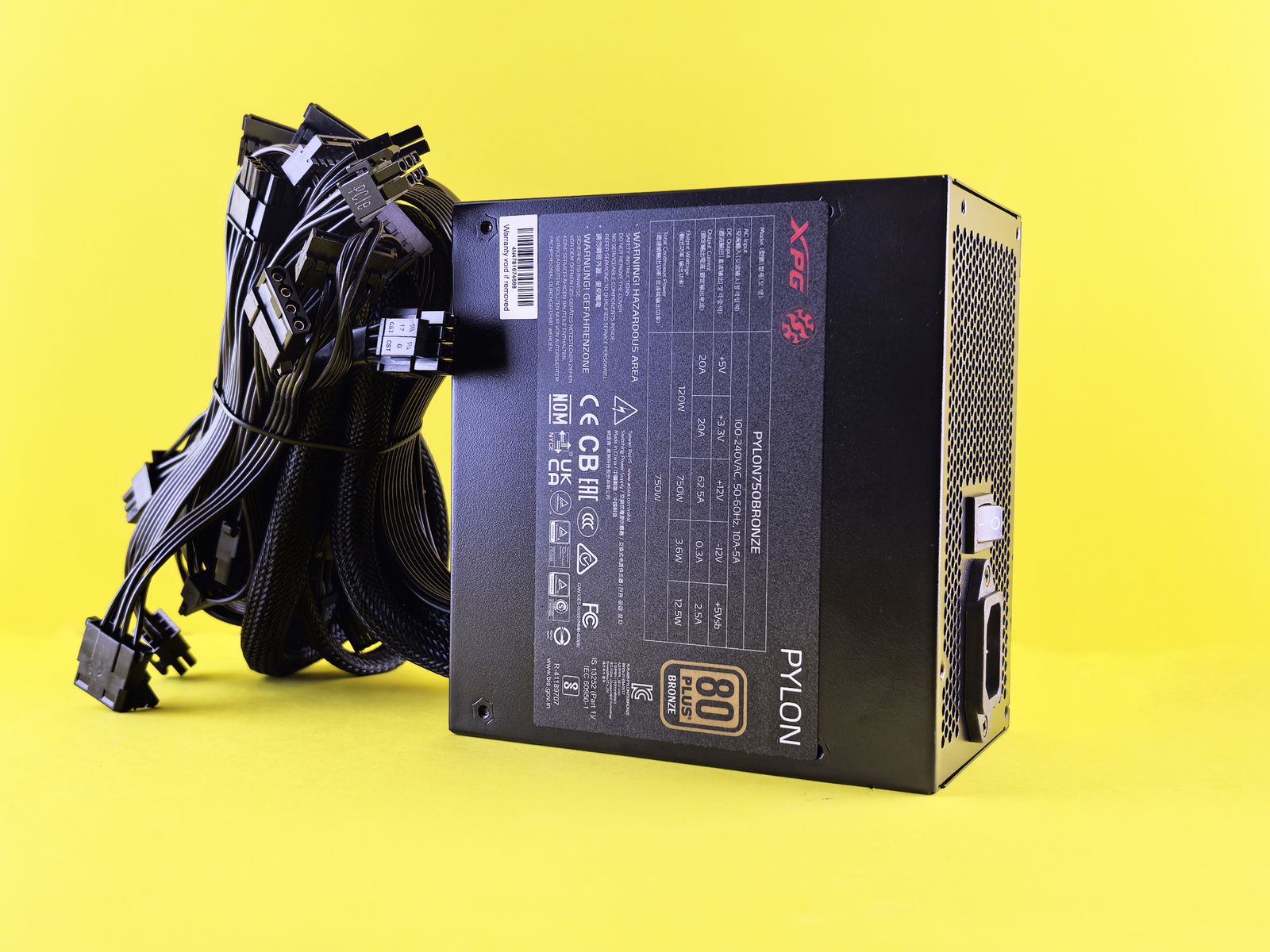
80+ Gold or better: Better efficiency, more stable, more reliable (90%+ efficiency)
Fully modular cables: Easier cable management, cleaner look, better airflow
Reliable brand track record: Seasonic, Corsair, EVGA, MSI, BeQuiet
5–10 year warranty: Shows manufacturer confidence in their product
Real talk: It’s not the flashy part of the build. But it’s the ONE part that literally powers everything else. Treat it with respect.
Step 4: Think about the future
Are you planning to upgrade your GPU in 2 years? Size up now. Save yourself $100 in 2 years when you don’t have to buy another PSU. If not, stick to the recommended wattage zone.
Smart thinking: If you have RTX 4070 Super now and might upgrade to RTX 5070 Ti later, buy 850W instead of 750W. That $20–30 difference adds years of usage.
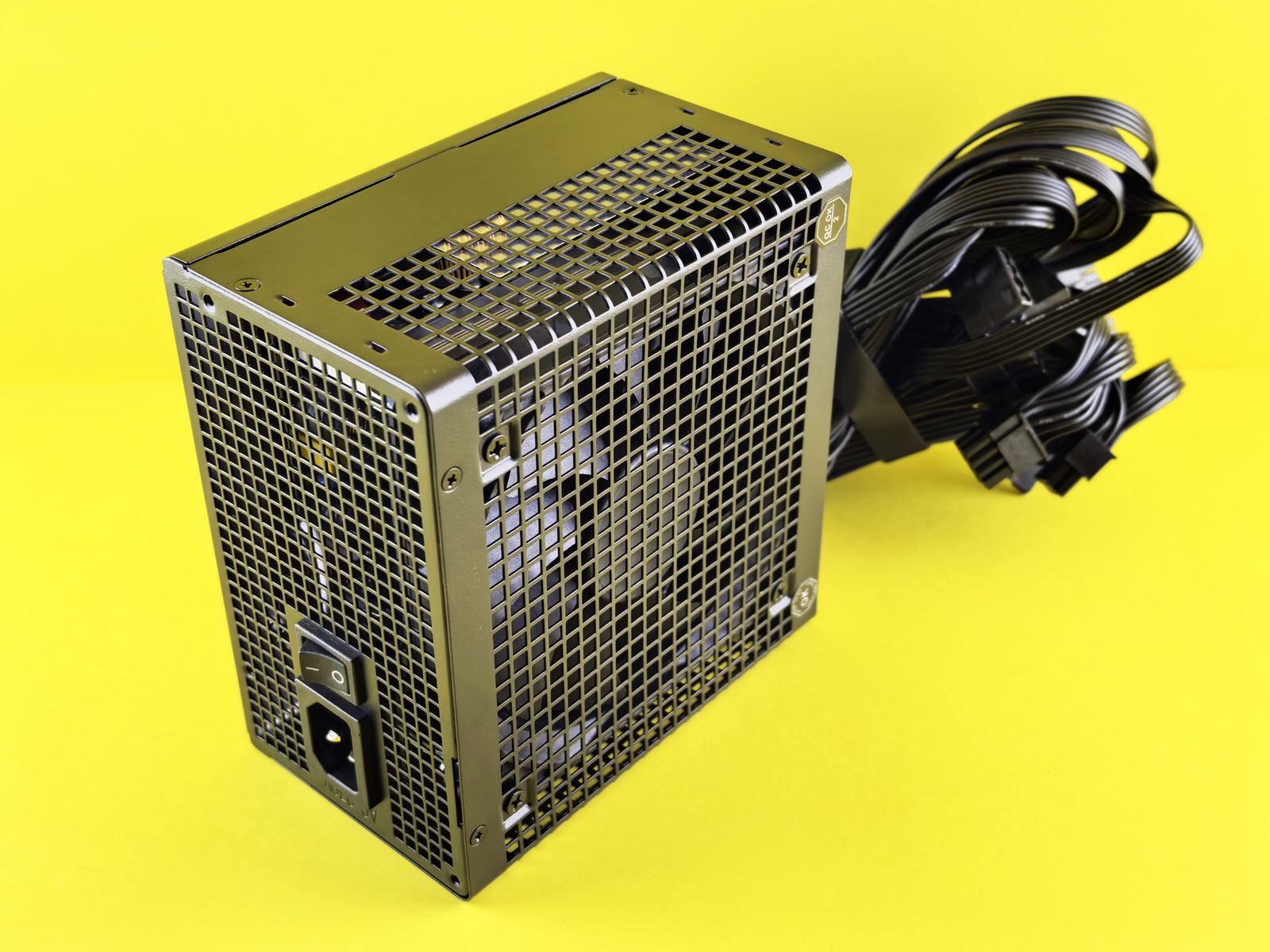
The real cost reality (2026)
| PSU Type | Cost | Value |
| 650W 80+ Bronze | $40–50 | Budget option, lower efficiency |
| 650W 80+ Gold | $60–80 | Best value for most people |
| 750W 80+ Gold | $70–90 | More headroom, future-proofed |
The real math:
A decent 650W 80+ Gold PSU costs $60–80.
A budget 650W Bronze costs $40.
That $20–40 difference = 10+ years of better efficiency and reliability.
It’s the best $20–40 you can spend on a PC. Seriously.
Common PSU mistakes (don’t do these)
❌ Buying exact wattage needed: PSU running at 100% all the time = early death
❌ Skipping the 80+ rating: Saves $10, costs you $200 in electrical bills over 5 years
❌ Going with unknown brands: Cheap Chinese PSUs fail catastrophically
❌ Thinking modular cables don’t matter: Saves 30 minutes of cable routing, looks way better
❌ Ignoring warranty length: Short warranty = they don’t believe in their product
2026 PSU recommendations by GPU
RTX 4060 or RX 7600
550–650W 80+ Bronze minimum
Recommendation: 650W 80+ Gold ($65–75)
Why: Future-proofs for next GPU upgrade.
RTX 4070 Super or RX 7700 XT
650–750W 80+ Gold
Recommendation: 750W 80+ Gold ($75–90)
Why: Sweet spot for wattage and price. Plenty of headroom.
RTX 5080 or higher
850–1000W 80+ Gold
Recommendation: 1000W 80+ Gold ($100–130)
Why: These cards are hungry. Don’t cheap out.
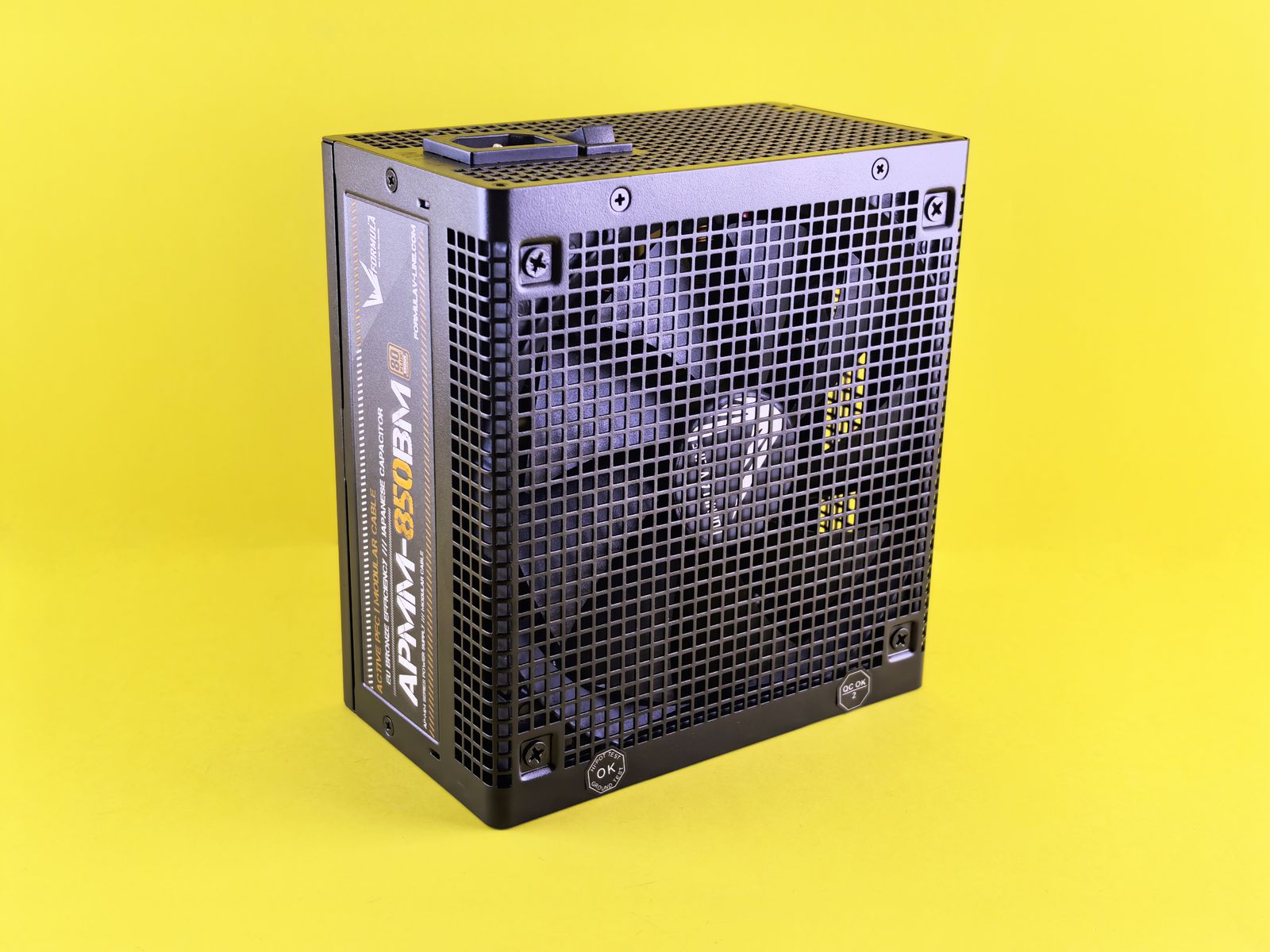
Certification tiers explained (quick version)
80+ ratings measure efficiency:
| Certification | Efficiency at 50% Load |
| 80+ Bronze | 82% efficient (loses 18% as heat) |
| 80+ Silver | 85% efficient (loses 15% as heat) |
| 80+ Gold | 90% efficient (loses 10% as heat) |
| 80+ Platinum | 92% efficient (loses 8% as heat) |
Real impact: Gold vs Bronze over 5 years = ~$100–150 in saved electricity. Gold pays for itself.
Final thoughts: PSU selection is simple
Power supplies are simple when you ignore the noise:
- ✅ Check your GPU manufacturer’s recommendation
- ✅ Add 30–40% headroom to your peak wattage
- ✅ Buy 80+ Gold or better (seriously)
- ✅ Pick a reliable brand (Seasonic, Corsair, EVGA, MSI)
- ✅ Future-proof a little (buy 100W more than you need)
And that’s it! No math degree required. No confusion. Just solid power.
Your PSU is the foundation. Get it right, and your PC will run stable for 10+ years. Get it wrong, and everything suffers.
Building from scratch? Start with our complete gaming PC build guide for the full part-by-part breakdown.
Frequently Asked Questions
How do I know what PSU wattage I need?
Start from your GPU manufacturer’s recommended PSU wattage, then add headroom for the rest of your system — the exact math is in this guide’s step-by-step section.
Is it dangerous to undersize a power supply?
Yes — an undersized or low-quality PSU is one of the few build mistakes that can actually damage other components, not just underperform.
Does 80 PLUS certification actually matter?
Yes, it reflects real efficiency and, in most cases, build quality. Skipping certification tiers to save money is a common regret.