Modern game installs are out of control. A single AAA title can eat 100–150GB before you’ve even installed a day-one patch, and “just delete a few games” gets old fast. If you’re planning a build or an upgrade, storage is the part most people get wrong by either overspending on speed they’ll never notice or underspending on capacity they’ll regret in six months.
This is one piece of our complete gaming PC build guide — here’s the full breakdown on picking the right drive.
Do You Actually Need PCIe Gen5 for Gaming?
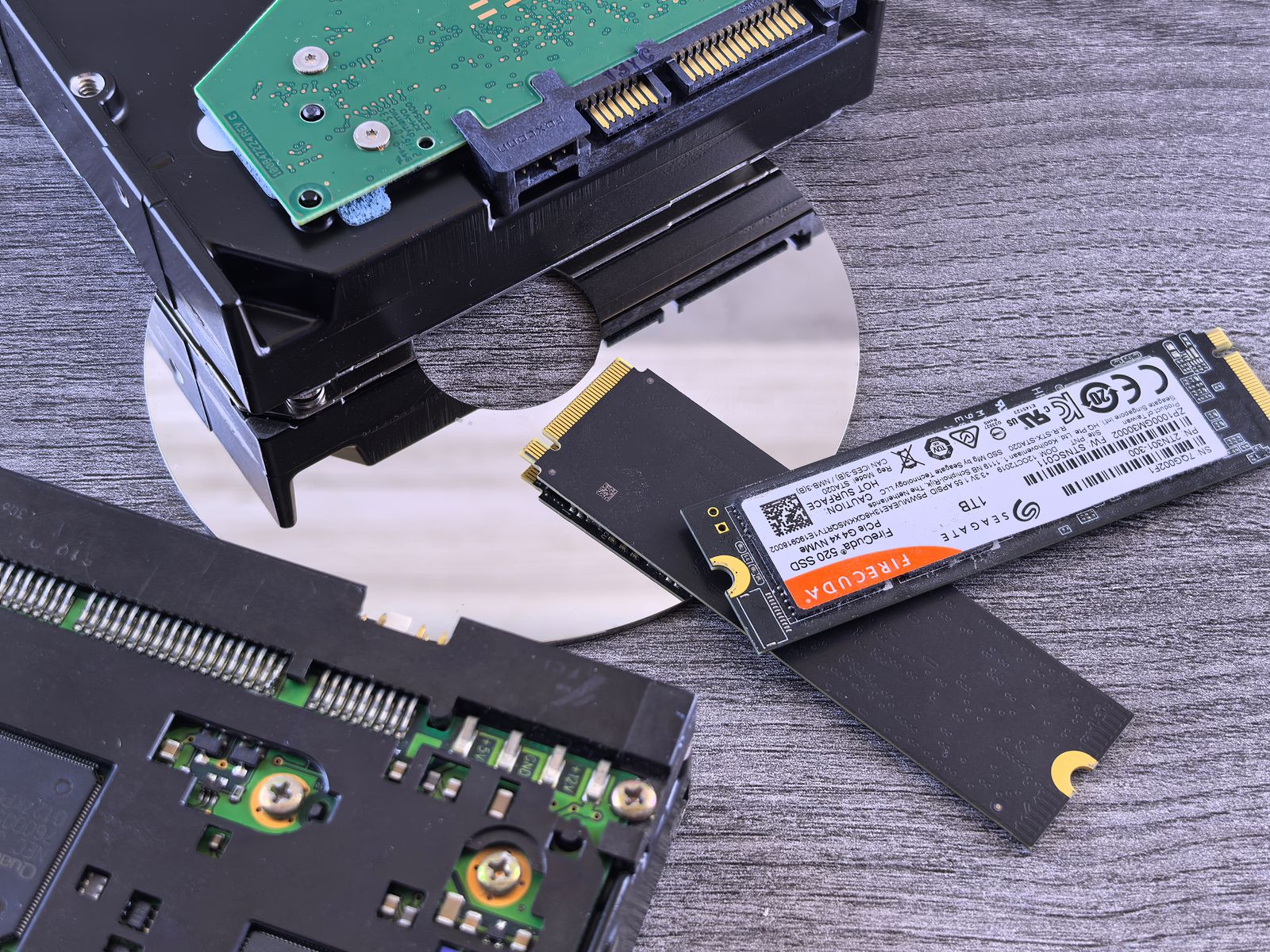
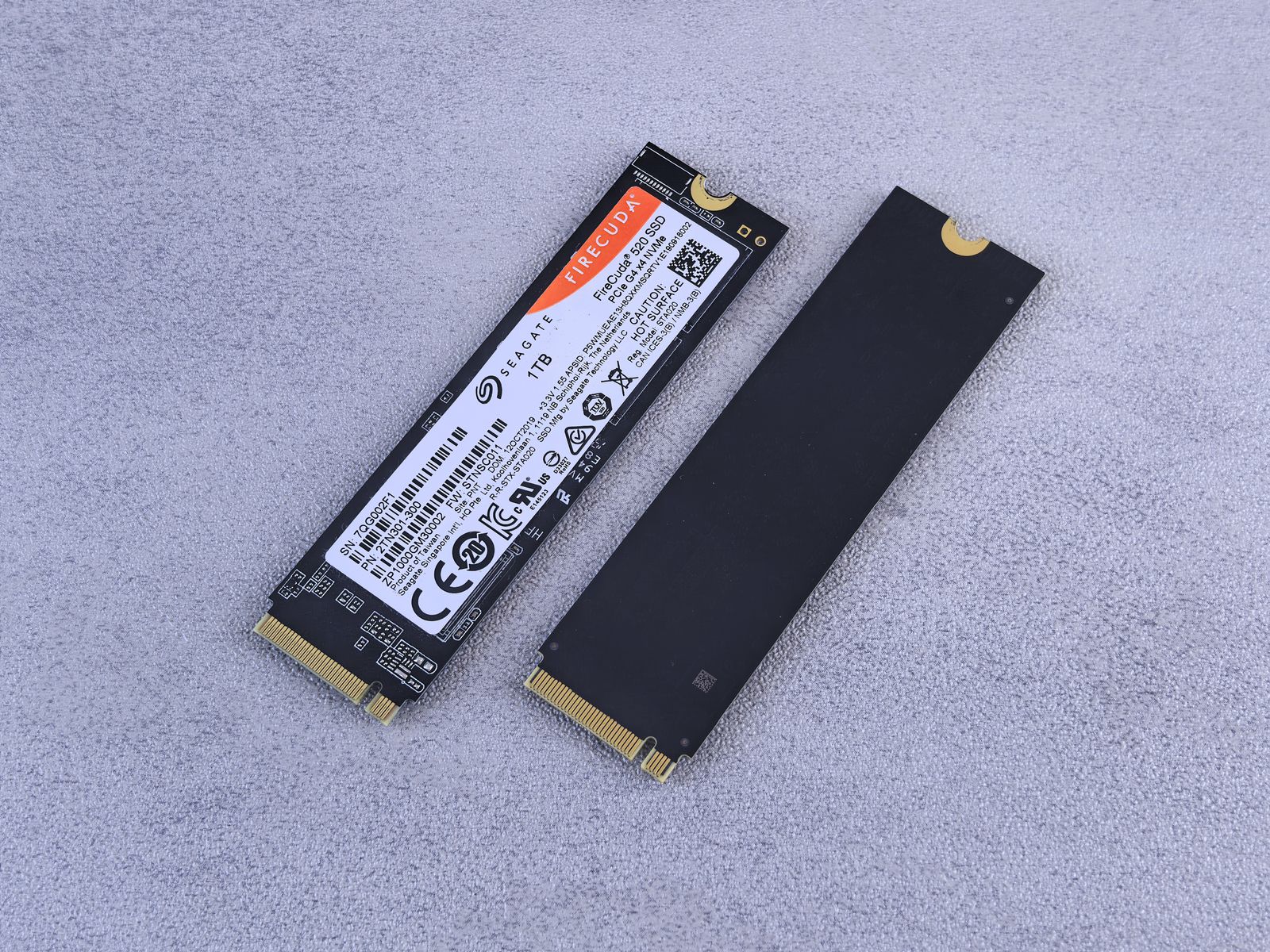
No, and this is the single most common overspend in a 2026 build. PCIe Gen5 drives post huge sequential read numbers on a spec sheet, but game load times are dominated by random reads, engine streaming, and CPU decompression — not raw sequential bandwidth. A good PCIe Gen4 NVMe drive loads games within a second or two of a Gen5 drive in real testing. Save the premium for your GPU budget instead.
How Much Storage Do You Actually Need?
Capacity is the number that changes your day-to-day experience, not speed. Here’s the realistic breakdown for 2026 game sizes:
| Capacity | Realistic use case |
|---|---|
| 500GB | OS + 2–3 modern games. Too tight for most gamers in 2026. |
| 1TB | The practical minimum — OS + 5–7 games depending on genre. |
| 2TB | The sweet spot. Stop playing musical chairs with your install library. |
| 4TB+ | Large libraries, content creators, or anyone who hates deleting anything. |
If your budget only allows 500GB today, that’s fine — just plan a second drive within the first year rather than pretending you’ll never need it.
NVMe vs SATA SSD: Is SATA Still Worth Buying?
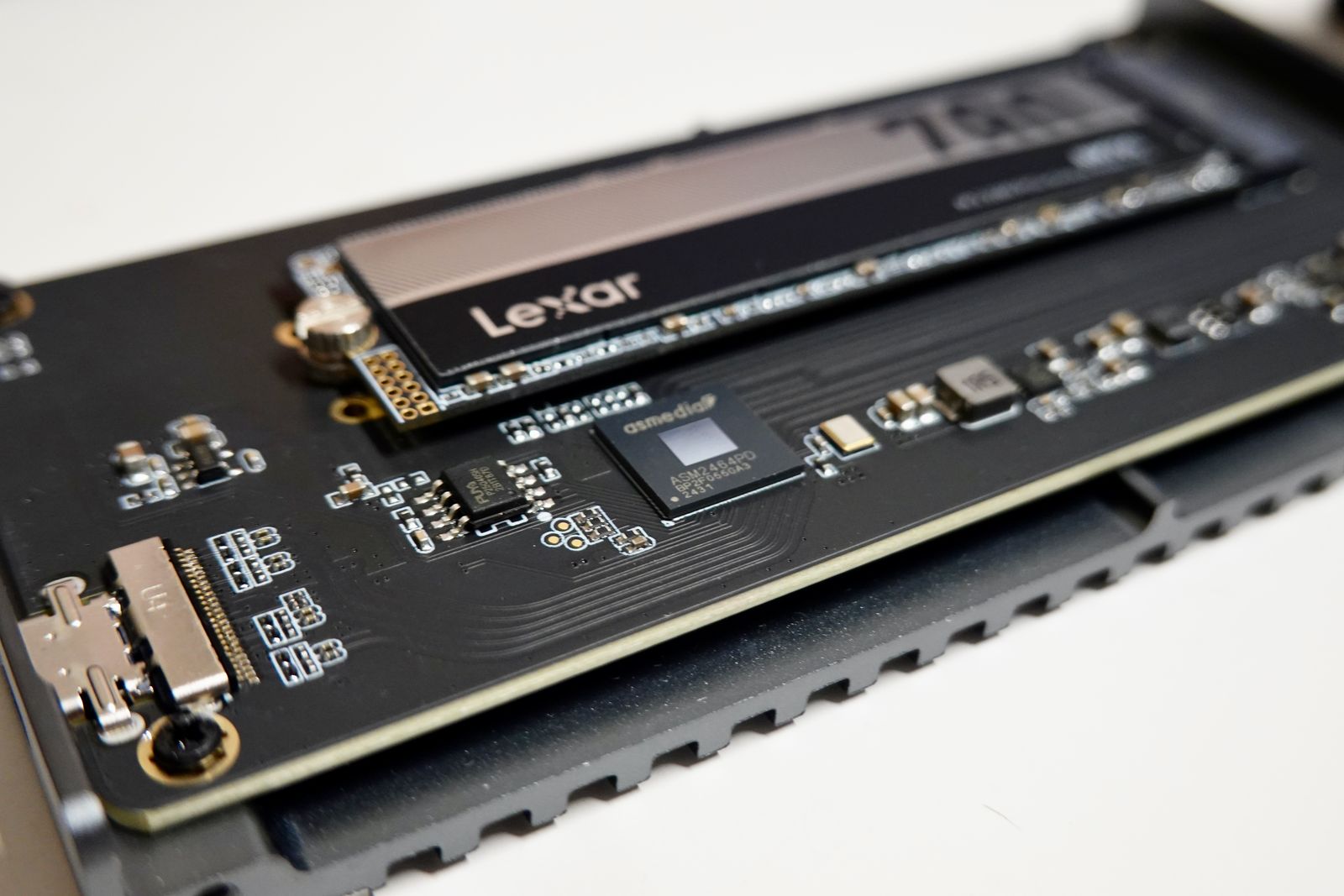
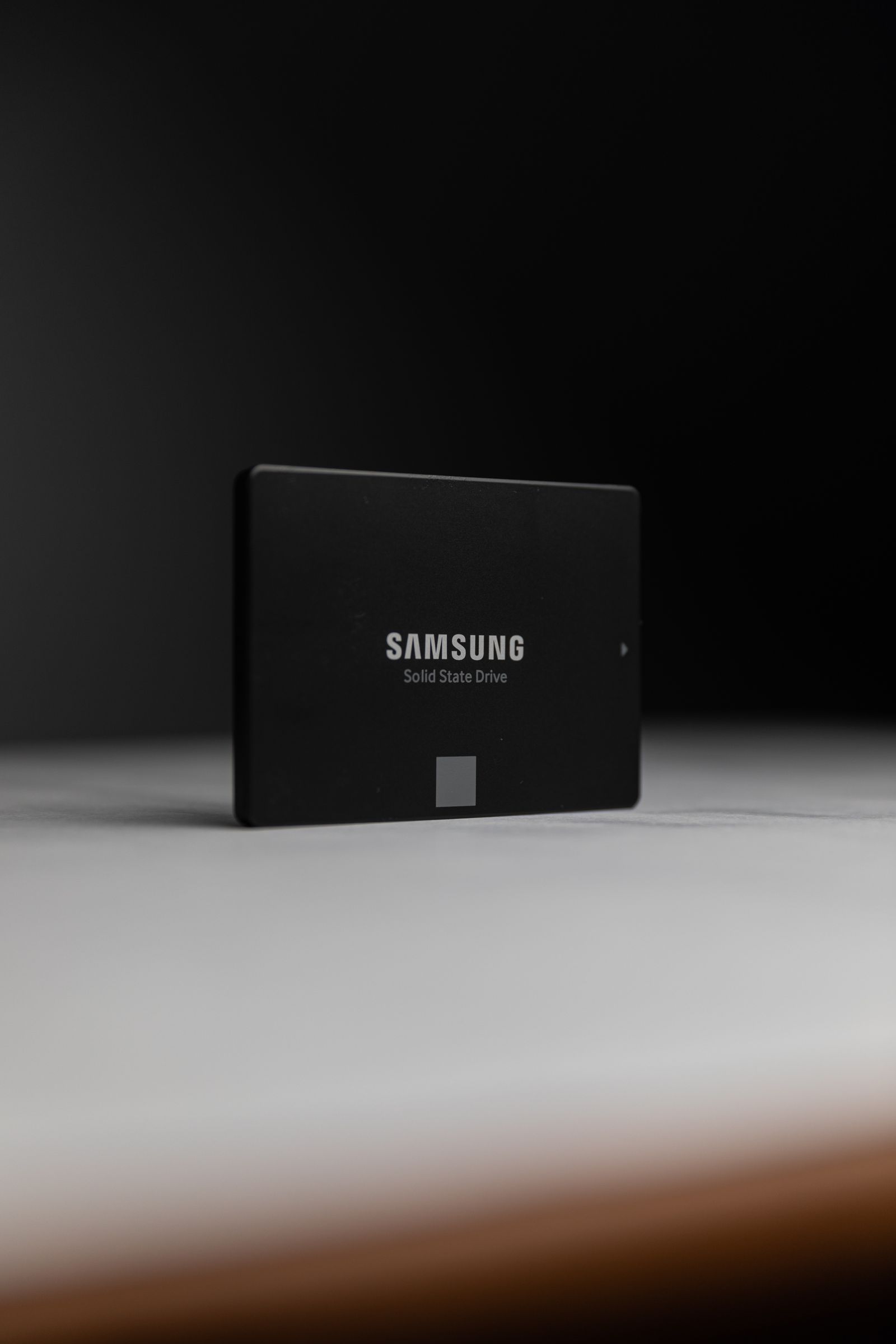
Barely, and only for bulk secondary storage. NVMe drives now cost close to the same per-gigabyte as SATA SSDs in most capacities, run dramatically faster, and don’t need a separate data cable. The only case for SATA in 2026 is a bulk archive drive on an older motherboard that’s already out of M.2 slots — otherwise, put every dollar into NVMe.
Does DirectStorage Change What You Should Buy?
DirectStorage lets the GPU decompress game assets directly instead of routing everything through the CPU, which is great news for load times in supporting titles. It does not mean you suddenly need the fastest drive on the shelf — the bottleneck it removes is CPU decompression overhead, not the drive’s raw speed ceiling. A solid mid-tier Gen4 NVMe drive still covers this fine.
Storage by Budget Tier
- Budget builds (see our $1,500 setup guide): 1TB Gen4 NVMe. Don’t split budget across two smaller drives — one 1TB drive beats two 500GBs for simplicity and speed.
- 1440p sweet-spot builds: 2TB Gen4 NVMe as your primary drive. This is where most builders should land.
- High-end builds: 2TB Gen4/Gen5 primary + a 2–4TB secondary drive for your growing library. At this budget tier, matching your GPU tier with adequate storage headroom actually matters for longevity.
Common Storage Mistakes
- Buying the fastest drive and the smallest capacity. Speed you won’t perceive, capacity you’ll fight with monthly.
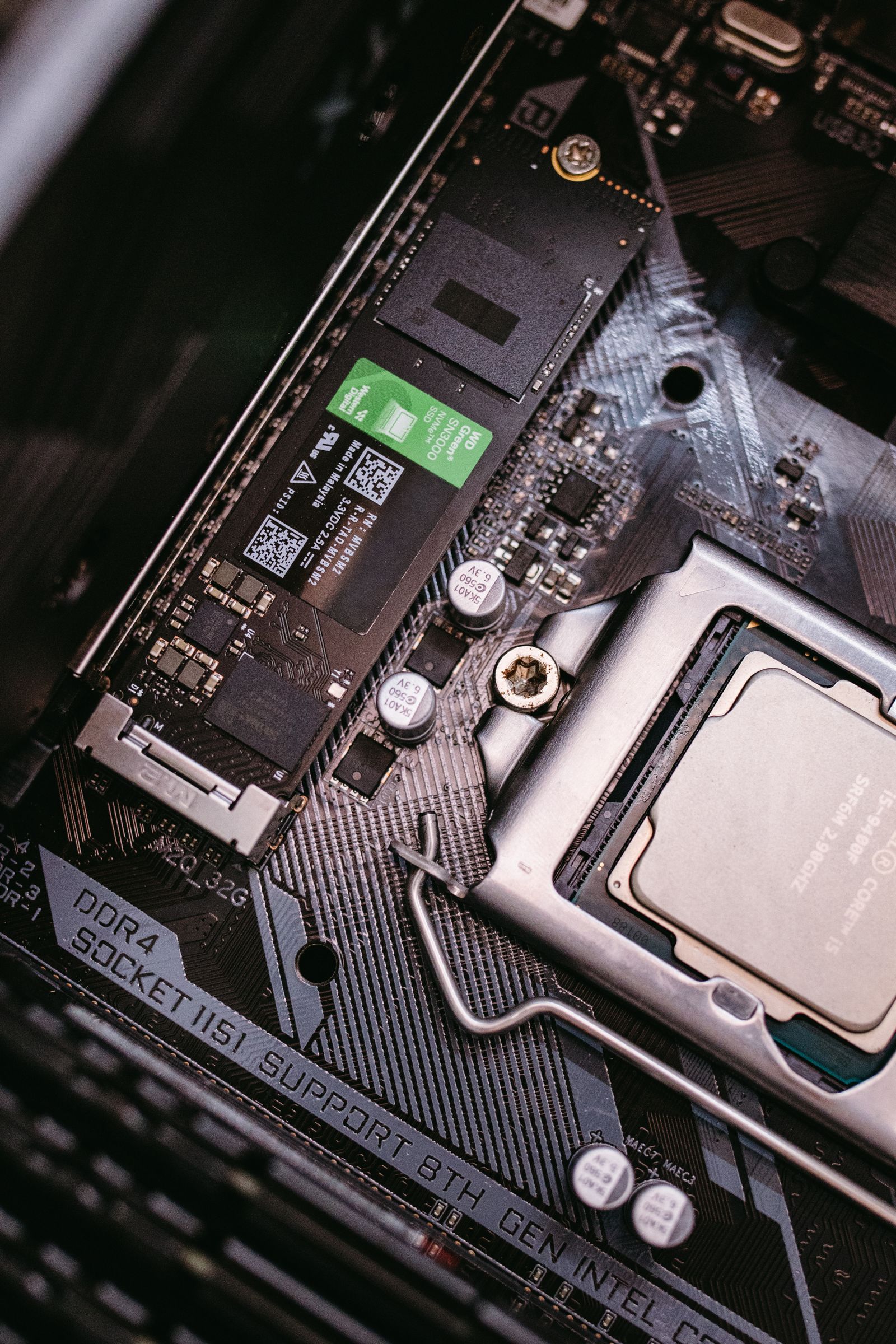
- Skipping a heatsink on a high-end NVMe drive. Sustained heavy writes can thermal throttle an uncooled Gen4/Gen5 drive — most motherboards include an M.2 heatsink now, use it.
- Forgetting DRAM-less drives exist. Budget NVMe drives without a DRAM cache are fine for a secondary library drive, but avoid them for your OS/boot drive where consistent responsiveness matters.
Frequently Asked Questions
Is 1TB enough storage for gaming in 2026?
It’s the practical minimum, not the comfortable choice. 1TB covers the OS plus 5–7 modern games depending on genre. If your budget allows it, 2TB removes the monthly “what do I delete” decision entirely.
Is PCIe Gen5 worth it for gaming?
Not specifically for gaming. Gen5 drives shine in professional workloads with sustained large file transfers. For game load times, a good Gen4 drive performs within a second or two of Gen5 in real-world testing.
Should I buy one big drive or two smaller drives?
One larger drive, when your budget forces a choice. Splitting the same total capacity across two drives adds complexity and cost without a real performance benefit for most gamers.
Do I need a heatsink for my NVMe SSD?
For Gen4 and Gen5 drives, yes if your motherboard doesn’t already include one. Sustained writes without cooling can trigger thermal throttling, which quietly tanks the performance you paid for.
Is SATA SSD dead for gaming builds?
Nearly. With NVMe pricing this close per gigabyte, SATA only makes sense as bulk secondary storage on a board that’s already out of M.2 slots.